Key takeaway
Gabungkan persetujuan e-visa Azerbaijan Anda, foto paspor, dan dokumen pendukung ke dalam satu file PDF yang terorganisir agar proses pemeriksaan perbatasan di bandara GYD lebih cepat dan tanpa stres.
Why Border Officers Scan Your Documents at GYD
When you land at Heydar Aliyev International Airport (GYD) in Baku, Azerbaijan border officers process thousands of passengers every day. Their job is straightforward: verify that each traveller has legal permission to enter the country. To do this efficiently, they need to check three things quickly — your identity, your entry authorization, and any supporting justification for your visit.
If your documents are scattered across your phone, tucked inside a zipped pocket, or printed on different sheets of paper, you create a bottleneck. Officers spend precious minutes shuffling through materials. In peak hours, this adds up to longer queues and unnecessary stress for everyone behind you.
The solution is simple: prepare a single border PDF pack before you travel. When you apply through azerbaijan-visa.com, you receive your e-visa approval, collect your passport photo, gather your supporting documents, and merge them into one organized PDF. Hand that file to the officer, and they have everything they need in seconds.
This guide walks you through exactly what to include, how to organize it, and what to avoid. Follow these steps and you will present your pack at /order-now with confidence.
What Goes Into a Border PDF Pack
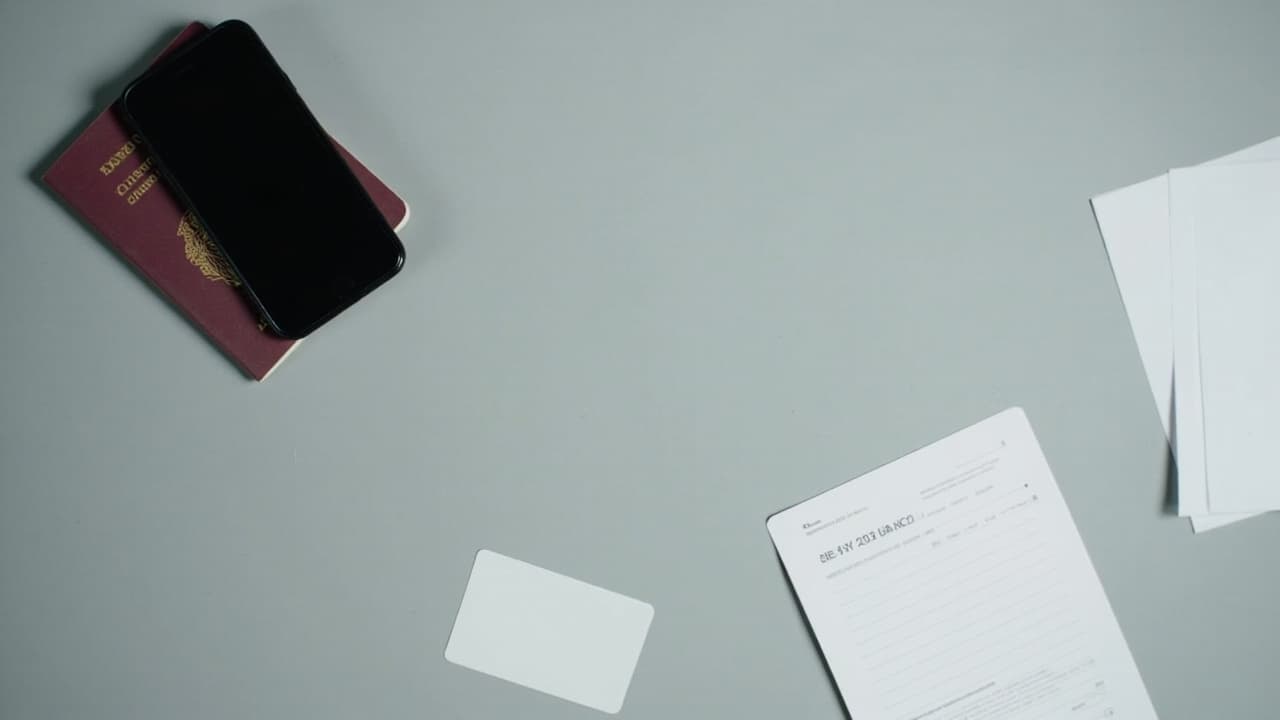
A complete border PDF pack contains four core components. Each one serves a specific purpose at the checkpoint.
1. E-visa approval confirmation
This is the most critical document. It proves that Azerbaijan's electronic visa system has authorized your entry. Download the PDF approval from the ASAN Visa portal or from the confirmation email sent after your application is processed. Do not print just the email — the official approval PDF shows your application reference number, entry dates, and a barcode that officers scan directly.
2. Passport photo
Include a colour passport photo that meets standard dimensions (35mm × 45mm, white background, no filters). Officers compare this image against your physical passport to confirm identity. If your photo is already embedded in your e-visa application, you can use the same version to avoid discrepancies.
3. Supporting documents
Depending on your purpose of travel, you may need one or more of the following:
- Hotel booking confirmation or host's address in Azerbaijan
- Return or onward flight itinerary
- Travel insurance certificate covering medical expenses
- Invitation letter from an Azerbaijani company or individual
- Proof of financial means (recent bank statement)
Check the specific requirements for your nationality and visa type before you assume what you need. The ASAN Visa portal lists these clearly for each category.
4. Application form reference
Some travellers print their completed application form for reference. While not always required, it helps if an officer needs to cross-check details. Keep a printed copy or a second PDF of this form in your pack as a backup.
How to Assemble Your PDF
Step 1 — Convert each document to PDF format
Most documents you receive (hotel booking, insurance certificate, flight itinerary) arrive as PDFs already. If something comes as a Word document or an image, convert it first. Use a free tool like Smallpdf, iLovePDF, or your device's built-in scanner app. Do not photograph a printed document and submit a blurry photo of it — scan the original instead.
Step 2 — Organize pages in the correct order
Arrange your PDF in this sequence:
- E-visa approval (first page — officers check this first)
- Passport photo (clearly labeled with your name)
- Hotel booking or host confirmation
- Return/onward flight itinerary
- Travel insurance certificate
- Additional supporting documents
This order mirrors the logical flow an officer follows during the interview: "Do you have entry permission? Who are you? Where will you stay? When will you leave? Are you covered in case of emergency?"
Step 3 — Merge everything into one file
Use a PDF merge tool to combine all pages into a single document. Name the file clearly: LASTNAME-azerbaijan-entry.pdf (for example, SMITH-azerbaijan-entry.pdf). This makes it easy to locate on your phone or laptop when you need it.
Step 4 — Check file size and readability
Keep the final file under 10 MB. Large files load slowly on airport systems. Open the merged PDF on a different device to confirm all pages are legible and in correct orientation. Verify that no text is cut off and that photos are clear.
Step 5 — Print one copy
Even though digital presentations are becoming more common, always carry a printed A4 copy in your hand luggage. Border officers may prefer a physical document, especially if their scanning equipment is busy or offline.
Common Mistakes to Avoid
Border officers see the same errors repeatedly. Avoid these and you will stand out as a prepared traveller.
Printing the wrong page
Some applicants print the application payment receipt instead of the approved e-visa PDF. The approval page has your photograph, entry dates, and a unique application ID. The payment receipt has no entry authorization. Check the filename before you print — it should contain your application reference number and the word "approval" or "visa."
Submitting outdated documents
Your hotel booking must cover your actual planned stay dates. If you amend your travel dates, update your booking confirmation before you print it. An itinerary that shows check-in two days after your arrival raises questions.
Using low-resolution scans
A blurry passport photo or illegible stamp makes the officer's job harder. They may need to call you aside for manual verification, which adds time. Use 300 DPI resolution when scanning documents.
Forgetting the photo
If your e-visa is a purely electronic authorization without an embedded photo, the officer may still ask to see a physical passport photo. Always include one in your pack, even if it seems redundant.
What Happens When You Present Your Pack at GYD
When you reach the border counter, the officer will ask for your passport, e-visa approval, and supporting documents. Hand them your printed PDF pack along with your passport. Do not hand over your phone first — let the officer ask for it if they want to see a digital copy.
The officer may:
- Scan the barcode on your e-visa approval page
- Compare your passport photo to your face
- Ask one or two short questions (purpose of visit, duration of stay, accommodation address)
- Stamp your passport and return it with a smile
If everything matches, the process takes under two minutes. If there is a discrepancy — wrong dates, missing documents — the officer will ask clarifying questions. Having your complete pack readily available helps resolve these situations faster.
FAQ
Do I need a printed copy or is a phone screen enough?
A printed A4 copy is the safest option. GYD airport officers handle both digital and physical documents, but printed copies load instantly and work even if the airport's Wi-Fi is down. Keep a digital backup as a secondary option.
What if my e-visa is still being processed when I travel?
Do not travel without a confirmed e-visa approval. Azerbaijan requires proof of entry authorization at the border. If your application is pending, delay your trip until you receive the approved PDF.
Can I include documents in languages other than English or Azerbaijani?
It is best to provide documents in English or Azerbaijani where possible. If your hotel booking or invitation letter is in another language, include a translated version alongside the original. Officers have limited time to decode unfamiliar scripts.
Should I laminate my printed documents?
No. Lamination can interfere with barcode scanning. Keep documents flat and unfolded in a document folder. If you crumple your e-visa approval, it becomes harder to scan.
How many copies of the PDF pack should I carry?
Carry one printed copy and store a digital copy on your phone. If you are travelling as a family or group, each person should carry their own pack. Do not rely on one person holding all the documents.
What if my passport photo does not match my appearance at the border?
Significant changes to your appearance (new hairstyle, facial hair, cosmetic surgery) may cause officers to ask additional questions. Minor changes are normal and rarely cause problems. Carry your passport photo that matches the one used in your e-visa application.
Key Takeaways
- Merge your e-visa approval, passport photo, and supporting documents into one organized PDF before your trip.
- Set the e-visa approval as the first page so border officers can verify your entry authorization immediately.
- Keep file size under 10 MB and use clear naming conventions like
LASTNAME-azerbaijan-entry.pdf. - Carry a printed A4 copy and store a digital backup on your phone and via email.
- Apply well ahead of your travel date so you have time to gather all required documents and assemble your pack correctly.
Azerbaijan Visa Editorial
Writes about Azerbaijan eVisa requirements, traveler tips, and fastest processing routes for visa applicants.
Ready to apply?
Start your Azerbaijan eVisa application now.


