Key takeaway
Os cidadãos do Reino Unido que solicitam um visto eletrônico para o Azerbaijão precisam de um passaporte válido, uma foto digital e um formulário de inscrição online. Aqui você encontra a lista completa de documentos necessários, o guia de preenchimento do formulário e o cronograma de processamento.
What UK Citizens Need Before Starting an Azerbaijan e-Visa Application
If you are a UK passport holder planning a trip to Azerbaijan, you will apply for an e-Visa through the ASAN Visa portal. The process is entirely online — no embassy appointment and no courier drops. Before you begin, gather every item on this checklist to avoid rework or delays.
Start your application at /order-now and work through these documents in order.
1. Passport Requirements
Your passport is the foundation of the entire application. Azerbaijan's border authority compares every data point on your e-Visa against the physical document you present on arrival. Any discrepancy can mean denied boarding or refused entry.
Valid for at least 6 months beyond your return date. Azerbaijan requires this minimum validity window. If your passport expires in five months, renew it first.
Two blank pages. One for the entry stamp, one for the exit stamp. If your passport is nearly full, request a new one before applying.
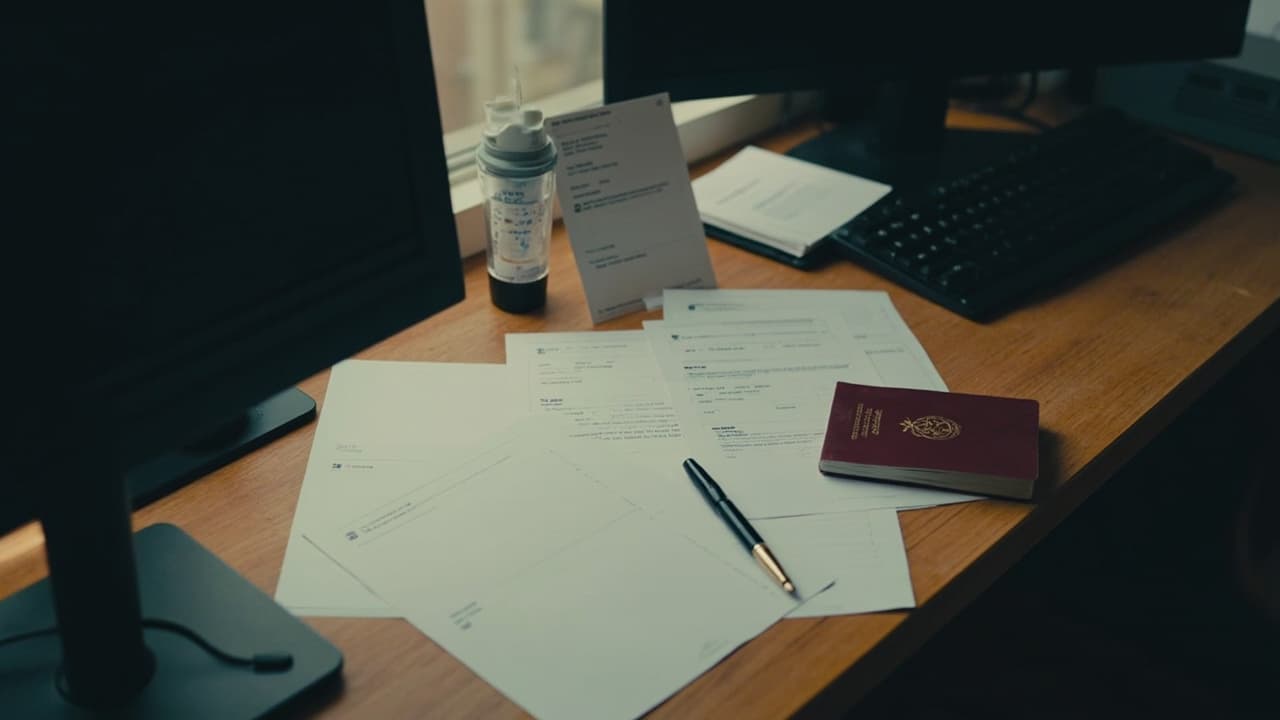
Machine-readable UK biometric passport. The standard burgundy e-passport issued since 2010 qualifies. Older non-biometric passports may not be accepted for the e-Visa route — confirm with the support team before filing.
Passport not expired. Self-evident, but applications submitted with incorrect expiry dates are automatically rejected.
2. Documents and Photo Specifications
Passport bio-page scan
You will upload a digital copy of the page containing your photo, name, date of birth, passport number, issue and expiry dates, and issuing authority.
Specifications:
- Colour, high-resolution scan or a sharp photograph
- JPEG, PNG, or PDF
- All four corners of the passport page visible
- No shadows, no reflections, no cropping
A flatbed scanner at 300 DPI produces the cleanest result. A smartphone photo works if the text is fully legible and the image is not compressed below readability.
Applicant photograph
The photo must meet standard visa规格 for dimensions and composition.
Specifications:
- Dimensions: 3 × 4 cm or 3.5 × 4.5 cm
- Format: JPEG or PNG, under 500 KB
- Plain white or light-grey background — no patterns, no textures
- Neutral facial expression, eyes open, looking directly at the camera
- No headwear unless for religious or medical reasons, and even then the face must be fully visible
- No shadows on the face or background
Supporting documents
Accommodation confirmation — A hotel booking or a letter of invitation from a host in Azerbaijan registered with the State Migration Service. A generic booking reference from a third-party site is not sufficient if it does not include the host's official registration details.
Return or onward travel ticket — Azerbaijan does not require a return ticket for the e-Visa itself, but airline check-in staff and border officers may ask for it. Keep a printed or digital copy handy.
Travel insurance — Not mandatory for the e-Visa application but strongly recommended. Some insurance providers include Azerbaijan in their Middle East / Central Asia plans — verify before purchase.
3. The Online Form: Every Field Explained
The ASAN Visa application form has multiple sections. Each field pulls data that the Azerbaijani Ministry of Internal Affairs cross-checks at the border. Here is what you will fill in.
Personal information
- Full name — Exactly as printed on your passport, including any middle names or initials
- Date of birth — DD.MM.YYYY format
- Place of birth — City and country
- Nationality — United Kingdom
- Gender — As stated in your passport
Passport data
- Passport number — Letter prefix followed by digits, no spaces
- Passport issue date — DD.MM.YYYY
- Passport expiry date — DD.MM.YYYY
- Issuing authority — Usually "IPS — UK" or the specific authority printed on your passport
Travel details
- Intended arrival date — The date you plan to cross the border
- Intended departure date — The last day you will be in Azerbaijan
- Port of entry — List the airport (Heydar Aliyev International Airport in Baku is the most common) or land border crossing
Accommodation in Azerbaijan
- Hotel name and address — Copy directly from your booking confirmation
- Host's name and address — If staying with a host, provide their registered address in Azerbaijan
Visa processing tier
This is the final decision point before payment. Choose one of three tiers:
| Tier | Processing time | Best for |
|---|---|---|
| Standard | ~3 business days | Flexible travel dates |
| Urgent | 1–2 business days | Tight itineraries |
| Super-fast | Same business day | Last-minute departures |
4. Step-by-Step Submission
Follow this sequence to submit without errors.
1. Create your ASAN Visa account. Use a valid email address — the approved e-Visa arrives here as a PDF attachment.
2. Fill in the application form. Work through each section carefully. Save your progress if the portal allows it.
3. Upload your documents. Follow the specifications in Section 2. Check file sizes and formats before clicking Next.
4. Review every field. This is the most important step. Check every name, number, and date against your passport before paying.
5. Pay the fee. Accepted methods are credit or debit card and PayPal. The fee varies by processing tier — confirm current pricing on the portal before payment.
6. Note your reference number. The portal generates a unique tracking code. Store it immediately — you will need it to check your status and download the approved visa.
7. Wait for approval.
- Standard: typically within 3 business days
- Urgent: 1–2 business days
- Super-fast: same business day
Processing can extend during peak travel periods or Azerbaijani public holidays. Apply early to account for unexpected delays.
8. Download the approved e-Visa PDF. Check that your name, passport number, and dates all match your passport. Present the printed PDF (or the digital copy on your phone) at the Azerbaijan border control desk.
5. Common Mistakes That Trigger Rework or Rejection
These issues appear in a large proportion of rejected applications. Avoid them.
Name mismatches — Initials, hyphens, or spelling differences between the form and your passport bio page cause instant flags. Copy your passport exactly, character for character.
Blurry or undersized photo — A photo scanned at low resolution or compressed repeatedly loses clarity. Rescan at 300 DPI and do not over-compress the JPEG.
Wrong passport expiry — Entering your passport's issue date in the expiry field is more common than you might expect. Double-check both date fields before submitting.
Missing accommodation details — "I will figure it out when I arrive" is not an option. You must supply a confirmed hotel booking or a registered host's address.
Unclear nationality declaration — If you hold dual citizenship, you must declare every nationality in your passport. The e-Visa system matches your application to the passport you present at the border.
FAQ
Do UK citizens need a visa for Azerbaijan?
Yes. All UK passport holders require a visa to enter Azerbaijan. The e-Visa is the standard route for tourists and short-stay business visitors. Apply online through the ASAN Visa portal well before your departure date.
How long must my UK passport be valid for Azerbaijan?
Your passport must be valid for at least 6 months beyond your intended departure date from Azerbaijan. It must also have at least two blank pages for entry and exit stamps.
What is the processing time for an Azerbaijan e-Visa for UK applicants?
Standard processing takes approximately 3 business days. Urgent and super-fast tiers are available for tighter timelines. Processing may take longer during peak seasons or public holidays — apply as early as possible.
Can I get a same-day Azerbaijan e-Visa?
The super-fast tier offers same-business-day processing, subject to availability and application volume. Select this tier at the payment step and ensure all documents are perfect before submission to avoid delays.
What happens after my Azerbaijan e-Visa is approved?
The approved e-Visa is sent as a PDF to the email address you provided during application. Download it, print it, and present it at the Azerbaijan border control desk on arrival. Keep a digital copy on your phone as a backup.
My photo keeps getting rejected. What should I do?
Use a plain white or light-grey wall as your background, ensure even lighting with no shadows, and photograph yourself straight-on with a neutral expression. Resize to the required dimensions (3 × 4 cm or 3.5 × 4.5 cm) using a free online photo editor, keeping the file under 500 KB in JPEG or PNG format.
Key takeaways
- A valid UK biometric passport with at least two blank pages and 6 months of validity beyond your trip is the non-negotiable starting point.
- Upload a sharp, correctly sized colour scan of your passport bio page and a 3 × 4 cm (or 3.5 × 4.5 cm) photo in JPEG or PNG under 500 KB.
- Every name, date, passport number, and travel detail in the form must match your passport exactly — mismatches trigger rework or rejection.
- Select your processing tier (standard, urgent, or super-fast) at the payment step on /order-now based on how close your departure date is.
- After approval, download the PDF, check all details, print it or store it digitally, and present it at the Azerbaijan border control desk on arrival.
Azerbaijan Visa Editorial
Writes about Azerbaijan eVisa requirements, traveler tips, and fastest processing routes for visa applicants.
Ready to apply?
Start your Azerbaijan eVisa application now.


